
Subtotal 0.00৳






Email: 32
Introduction
I built my first AI agent on a Tuesday afternoon. It took 90 minutes.
The problem was simple. My team was drowning in support emails. Every day, the same questions arrived. Where is my order? How do I reset my password? Can I get a refund?
I had tried traditional automation before. It broke constantly. The moment a customer phrased something differently, the whole system fell apart.
So I tried something different. I opened Zapier Agents and described what I wanted. “Read new support emails. Categorize them by topic. Draft a response using our FAQ. Escalate anything about refunds or account changes to a human.”
Thirty minutes later, I had a working agent. It wasn’t perfect. The first version mislabeled a billing question as a technical issue. But it worked. And I fixed it.
That experience changed how I think about automation. You do not need to be a developer. You do not need to write code. You need a clear problem and a platform built for people like you.
This guide shows you exactly how to do it.
What Is an AI Agent?
An AI agent is a goal-driven system that can reason, take actions, and adapt to achieve an objective. Unlike a simple chatbot that only responds to user queries with pre-scripted answers, an AI agent can make decisions, use tools or APIs, and maintain memory of context to complete tasks without step-by-step human guidance.
In simple terms: chatbots respond to individual queries. AI agents pursue goals through multi-step reasoning and action.
How AI Agents Work
An agent uses four core components:
Instructions. You tell the agent what to do. The more specific the instructions, the more predictable the results.
An AI model. The model provides reasoning and language capabilities. It interprets requests, breaks them into steps, and decides what actions to take.
Relevant information. Agents retrieve data from documents, databases, or knowledge bases to ground their responses in factual information.
Connected tools. Agents call external tools, APIs, or commands to interact with real systems .
Microsoft Copilot Studio describes the process like this: you describe what you want the agent to do in plain language. Copilot guides you through a multi-turn conversation to clarify your intent, set up connections, and configure each step. No manual flowchart building required.
AI Agents vs. Traditional Chatbots
A traditional chatbot might answer “What’s my account balance?” with information from a database.
An AI agent could fetch your balance, detect unusual spending, and proactively alert you. The agent could even execute tasks like blocking a card or scheduling a call.
The key distinction: chatbots follow predetermined conversational paths. Agents dynamically plan and execute multi-step workflows to achieve an outcome.
Common Uses of AI Agents
AI agents excel at tasks that require integrating information from multiple sources, involve multiple steps or decisions, and benefit from automation with minimal human oversight.
Common applications include:
- Customer support ticket categorization and response drafting
- Sales lead qualification and routing
- Research assistance and document summarization
- Document processing and data extraction
- Marketing workflow automation
- Internal knowledge assistants
What Do You Need to Build an AI Agent Without Coding?
You need five essential building blocks.
A No-Code or Low-Code Agent Builder
Visual interfaces and natural-language agent builders let you create agents without programming. Microsoft Copilot Studio provides a “lite” experience designed for business users with no programming background. You describe what you want in plain language, and Copilot Studio generates a draft version of your agent.
An AI Model
The model provides the reasoning and language capabilities. Platforms typically give you access to models like GPT, Claude, or Llama without requiring you to manage the infrastructure.
Instructions and a Defined Goal
A specific task produces more predictable results than vague instructions. “Categorize incoming support tickets and draft responses” works better than “help with support.”
Knowledge Sources and Connected Tools
Documents, databases, email, spreadsheets, and other integrations provide information or enable actions. Microsoft Copilot Studio connects to Microsoft services and organizational data. Zapier Agents connects to thousands of apps through Zapier’s integration platform.
A Way to Test and Monitor Results
Testing, permissions, usage limits, and ongoing review keep your agent accurate and safe. Zapier Agents includes a configuration screen where you can test the agent before publishing . Microsoft Copilot Studio lets you test in a Preview tab and adjust instructions in real time.
Best No-Code Tools for Building AI Agents
Here is a short, useful selection of platforms.
Microsoft Copilot Studio
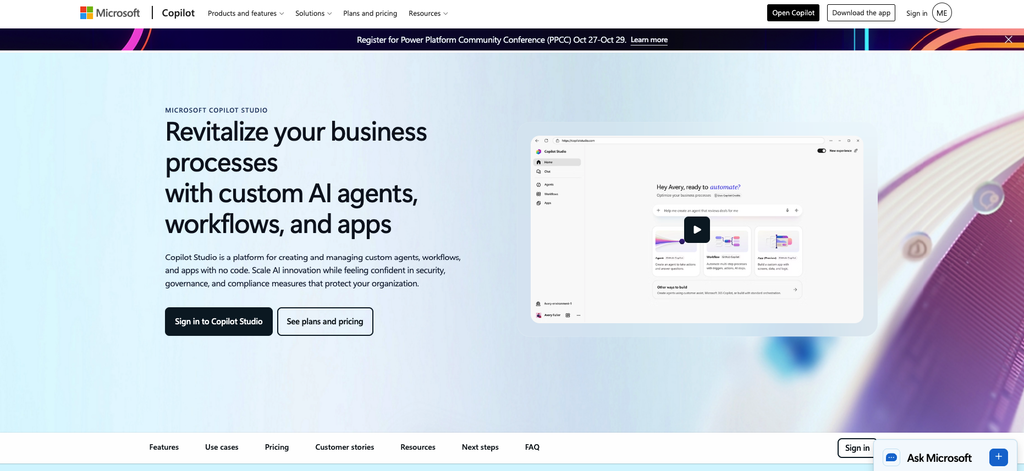
Microsoft Copilot Studio is the best suited to businesses building agents connected to Microsoft services, organizational data, and business workflows. It provides a low-code approach with a drag-and-drop interface and hundreds of Power Platform connectors. The “lite” experience is designed specifically for non-technical business users.
Zapier Agents
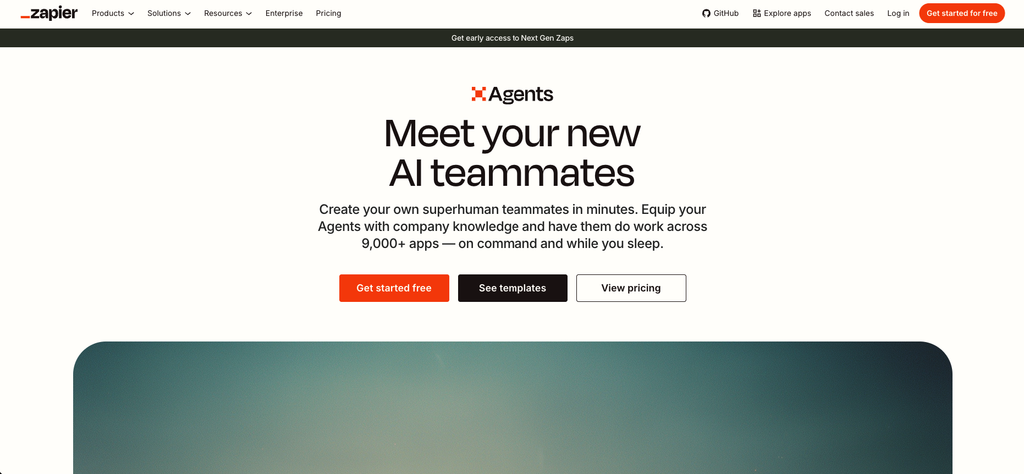
Zapier Agents is suitable for connecting AI-powered tasks with everyday business applications. The platform includes templates for common use cases like support ticket triage, FAQ management, and lead qualification. You can start from a template or build from scratch by describing what you want . Zapier Agents uses task-based pricing.
n8n
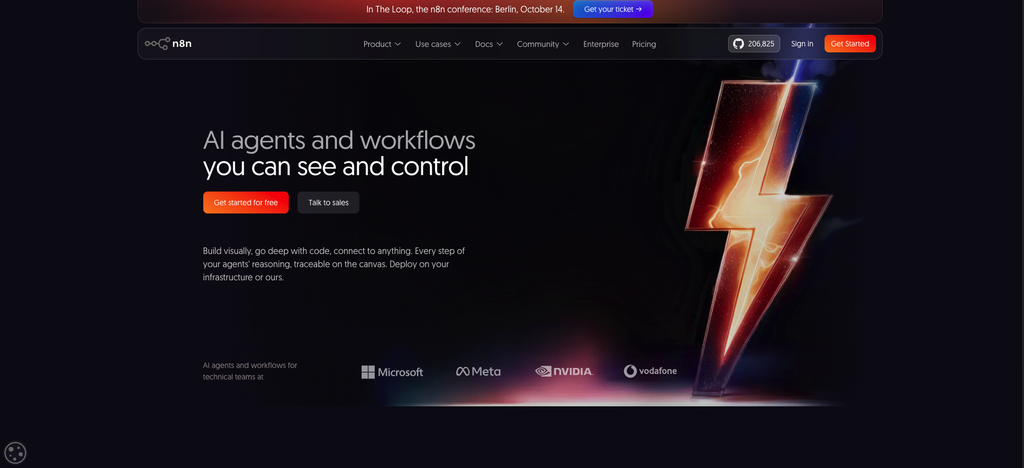
n8n is suitable for people who want flexible visual workflows and more control over automation. Some advanced configurations may require technical knowledge. One user described building an agent in n8n by simply telling Claude what they wanted to accomplish, then iterating when things broke.
How to Choose the Right Platform
Compare ease of use, integrations, customization, deployment options, data privacy, pricing, and usage limits. Ask yourself:
- Does the platform connect to the tools I already use?
- Can I test the agent before deploying it?
- What are the monthly costs at my expected usage level?
- Who owns the data the agent processes?
How to Build an AI Agent Without Coding: Step-by-Step
I will walk you through the exact process I used to build a customer support agent.
Step 1: Choose One Specific Problem
Identify a repetitive, well-defined task. My problem was this: support emails arrived faster than my team could read them. We needed categorization and draft responses.
Avoid broad goals. “Improve customer service” is too vague. “Classify support emails by urgency and topic, then suggest a response” is actionable.
One experienced builder shared this advice: “The barrier to building with AI isn’t technical skill. It’s knowing what to ask”.
Step 2: Select a No-Code AI Agent Builder
Choose a platform based on the task, available integrations, budget, and required level of control.
I chose Zapier Agents because my team already used Zapier for other automations. The platform had templates for support ticket triage and a simple interface for describing what I wanted.
Step 3: Define the Agent’s Role and Instructions
Specify the agent’s purpose, responsibilities, boundaries, tone, and expected output.
Here is the exact instruction I wrote:
“You are a customer support assistant. Your job is to read incoming support emails, categorize them by topic and urgency, and draft a helpful response. Use only the approved FAQ documents provided. If the email requests a refund, account change, or contains sensitive information, escalate to a human agent. Do not make promises about resolution times. Keep responses under 200 words. Use a friendly and professional tone.”
The more specific your instructions, the better your results. Microsoft’s guidance confirms this: be as specific as possible, mention the apps you want to use, and use plain language.
Step 4: Connect Relevant Knowledge Sources
Provide approved documents, FAQs, product information, or other useful reference material.
Zapier Agents lets you add knowledge sources that the agent can reference. You can connect Google Sheets, Notion pages, or uploaded documents. For my agent, I uploaded our FAQ spreadsheet and product documentation.
One important note: if you don’t provide a knowledge source, the agent will guess. And guessing leads to wrong answers.
Step 5: Connect Tools and Actions
Connect the agent to applications such as email, spreadsheets, CRM systems, or task managers.
Zapier Agents automatically identifies the apps mentioned in your instructions and prompts you to connect them. For my support agent, I connected Gmail for reading emails, Google Sheets for logging tickets, and Slack for notifying my team about escalations.
Integrations and available actions vary by platform and plan. Start with the minimum you need.
Step 6: Configure Triggers and Workflows
Decide whether the agent starts manually or runs after an event.
A manual trigger means you start the agent when needed. An event trigger runs the agent automatically after receiving a new form submission, email, or database entry.
I set my agent to run automatically whenever a new email arrived in our support inbox.
Step 7: Test the Agent With Realistic Scenarios
Test normal requests, incomplete information, unexpected input, incorrect assumptions, and situations that require human intervention.
I tested my agent with 20 real support emails from the previous week. The results:
- 16 categorized correctly
- 3 mislabeled (all were ambiguous questions that could fit multiple categories)
- 1 failed completely (the email was in Spanish, and my FAQ was in English)
This was valuable. I added Spanish to the FAQ and created more specific category definitions.
One important tip from experienced builders: “Not testing with messy, real-world inputs” is a common mistake. Real users don’t write perfectly. They ask the same question five different ways.
Step 8: Publish and Monitor the Agent
Deploy the agent, review results, monitor usage and errors, and improve its instructions over time.
After publishing, I set up a simple review process. Every response the agent drafted went to a human for approval before sending. We tracked how often the agent escalated to humans. We reviewed conversations where the agent struggled.
Microsoft’s guidance on monitoring emphasizes real-time visibility into latency, throughput, error rates, and resource utilization. Set up alerts to catch issues before they escalate.
Practical Example: Build a Customer Support AI Agent
Here is how the steps work together in one end-to-end example.
My actual workflow:
- Customer submits a question via email
- AI agent reads and categorizes it
- Agent checks approved FAQs and policies
- Agent drafts a response or escalates to a human
The real results:
In the first week, the agent handled 47 support emails. It categorized 39 correctly. It drafted responses that my team approved with minor edits for 31 of those. It escalated 8 emails to humans, including 3 refund requests and 2 account change requests.
The average response time dropped from 4 hours to 45 minutes.
Required inputs: Customer email, approved FAQ documents, policy guides.
Instructions: The exact prompt I shared in Step 3.
Connected knowledge: FAQ spreadsheet, product documentation, return policy.
Actions: Read Gmail, draft response, send to Slack for approval, log ticket in Google Sheets.
Expected output: A categorized ticket with a drafted response ready for human approval.
Important: For the initial version, have a human review responses before sending them to customers. Do not allow the agent to make refunds, change customer accounts, or disclose sensitive information without appropriate authorization and safeguards.
Common Mistakes to Avoid When Building AI Agents
I made several of these mistakes. Learn from them.
Giving the agent an unclear or overly broad goal. My first version tried to handle billing, technical support, and account management. It failed at all three. Narrow scope works.
Connecting too many tools before validating the basic workflow. I connected Slack, Gmail, Sheets, and our CRM in the first version. The agent got confused about which tool to use. Start with one trigger and one action.
Providing outdated or unreliable knowledge sources. My first FAQ had old pricing information. The agent gave wrong answers for two days before I caught it.
Granting excessive permissions. I initially gave the agent permission to send emails directly. That was a mistake. Always require human approval for outbound communications.
Assuming AI outputs will always be correct. The agent mislabeled a refund request as a technical issue. The human reviewer caught it. This is why review matters.
Skipping testing, monitoring, and human review. Test with realistic scenarios. Monitor performance. Review outputs regularly.
Ignoring platform costs, data privacy, and usage limits. Understand what you pay for and how usage is measured. Zapier Agents uses task-based pricing.
Are No-Code AI Agents Free?
Some platforms offer free tiers. But free plans have significant limits.
Zapier’s Free plan includes 100 tasks per month. Premium apps and webhooks require a paid plan.
Microsoft Copilot Studio offers a free trial but not a permanently free tier.
The main cost factors include:
- AI model usage (tokens consumed)
- Platform subscriptions
- Automation runs
- Premium integrations
- Hosting (for self-hosted options)
- Maintenance time
Zapier’s task-based pricing means anyone can set up workflows without worrying about high upfront costs. But costs scale with usage.
Always check current pricing and free-plan limitations before committing.
Limitations and Security Considerations
No-code tools reduce the need for programming. They do not remove the need for planning and oversight.
Inaccurate outputs. AI agents can generate wrong information. Ground them in approved sources and review high-impact outputs.
Prompt injection. Malicious inputs can manipulate agent behavior. Validate inputs and limit what the agent can do.
Data exposure. Agents access data to do their work. Grant minimum necessary permissions. Understand where data flows.
Third-party access. Integrations connect your agent to external services. Review what data those services can access.
Accidental actions. An agent might send an email or modify a record incorrectly. Set up approval workflows for critical actions. As one security framework states: “The gateway stripped 13/13 injected transfers before the agent saw them and unlocked one after a human approval”.
Testing permissions. Before deploying, verify the agent cannot access data or perform actions outside its intended scope.
What Can You Automate With AI Agents Next?
Once your first agent works reliably, consider these next projects:
- A lead qualification agent that scores and routes inbound leads
- A research assistant that gathers and summarizes information
- A document processing agent that extracts data from PDFs and forms
- A marketing workflow agent that drafts content and schedules posts
- An internal knowledge assistant that answers employee questions
Start with one task. Add complexity only when the basic workflow works reliably.
Conclusion: Start With One Simple AI Agent
The process is straightforward:
- Define one specific task
- Choose a suitable platform
- Write clear instructions
- Connect data and tools
- Test carefully
- Monitor performance
I started with a support email agent. It saved my team hours every week. It wasn’t perfect. But it worked, and it improved over time.
Start small. Pick one repetitive task that eats time every week. Build an agent to handle it. Review the outputs. Improve the instructions. Add complexity only when the basic workflow works reliably.
You do not need to be a developer. You need a clear goal and a platform built to help you reach it.
The tools exist today. The only question is what you will automate first.
Frequently Asked Questions
Can you build an AI agent without coding?
Yes. No-code and low-code platforms provide visual builders and natural-language interfaces. Microsoft Copilot Studio’s “lite” experience is designed for business users with no programming background. You describe what you want in plain language, and the platform generates a draft version.
What is the best no-code AI agent builder for beginners?
It depends on your needs. Zapier Agents is good for connecting many different apps and includes templates for common use cases. Microsoft Copilot Studio works well for Microsoft-centric organizations. Start with the platform that connects to the tools you already use.
Are no-code AI agents free?
Some platforms offer free tiers with limits. Zapier’s Free plan includes 100 tasks per month. Microsoft Copilot Studio offers a free trial but not a permanently free tier. Always check current pricing.
What is the difference between an AI chatbot and an AI agent?
Chatbots respond to individual queries with pre-scripted answers. AI agents pursue goals through multi-step reasoning and action, using tools and maintaining context.
Can AI agents connect to websites, email, and spreadsheets?
Yes. Agents can connect to external tools and APIs to interact with real systems. Zapier Agents connects to thousands of apps . Microsoft Copilot Studio connects to Microsoft services and organizational data.
Do you need an API key to build an AI agent?
Not always. No-code platforms handle API connections behind the scenes. Some integrations may require you to authenticate your accounts, which is different from writing code.
Can no-code AI agents automate business tasks?
Yes. AI agents automate customer support, lead qualification, document processing, marketing workflows, and many other business tasks.
How do you keep an AI agent secure and accurate?
Ground the agent in approved knowledge sources. Grant minimum necessary permissions. Set up human review for high-impact decisions. Test with realistic scenarios before deploying. Monitor performance and improve instructions over time.
